7 Signs Baby Monitor Hacked (And What to Do Immediately)
Table of Contents
As a grandmother who’s researched dozens of documented hacking incidents, I’ve learned something disturbing: the warning signs baby monitor hacked are often present long before families recognize them. Children mention strange voices. Cameras move unexpectedly. Settings change mysteriously. But parents rationalize these clues away as technical glitches or imagination—until the evidence becomes undeniable.
This comprehensive guide details every warning sign that your baby monitor may be compromised, from subtle indicators to obvious red flags. More importantly, it provides immediate action steps to protect your family if you suspect unauthorized access. For broader context on monitor vulnerabilities, see : secure baby monitor from hackers
🔴 7 Signs baby monitor hacked
1. Camera Moves on Its Own (Pan/Tilt Without Input)
What It Looks Like:
The camera pans left to right, tilts up or down, or changes its viewing angle without anyone using the app or remote control. Looking back, the parents realized warning signs had been there—the monitor had randomly panned across the room the day before.
Why It Happens:
Most modern video monitors allow remote pan-tilt-zoom (PTZ) control through apps or web interfaces. When hackers gain unauthorized access, they often test camera movement to:
- Map the room layout
- Follow people’s movements
- Demonstrate their control
- Maximize what they can observe
Subtle vs. Obvious:
Subtle: Camera gradually drifts to different position over hours/days Obvious: Camera actively follows your movement or rapidly pans when you enter room
What to Do:
- Note the exact time and direction of movement
- Check who’s logged into the monitor account (if app shows active sessions)
- Immediately change your password
- Review camera movement history in app (if available)
- If movement continues after password change, assume compromise
Important: Some monitors have auto-scan or patrol modes that move the camera automatically. Verify this feature is disabled in your settings before assuming hack.
2. Unfamiliar Voices or Noises Through Speaker
What It Sounds Like:
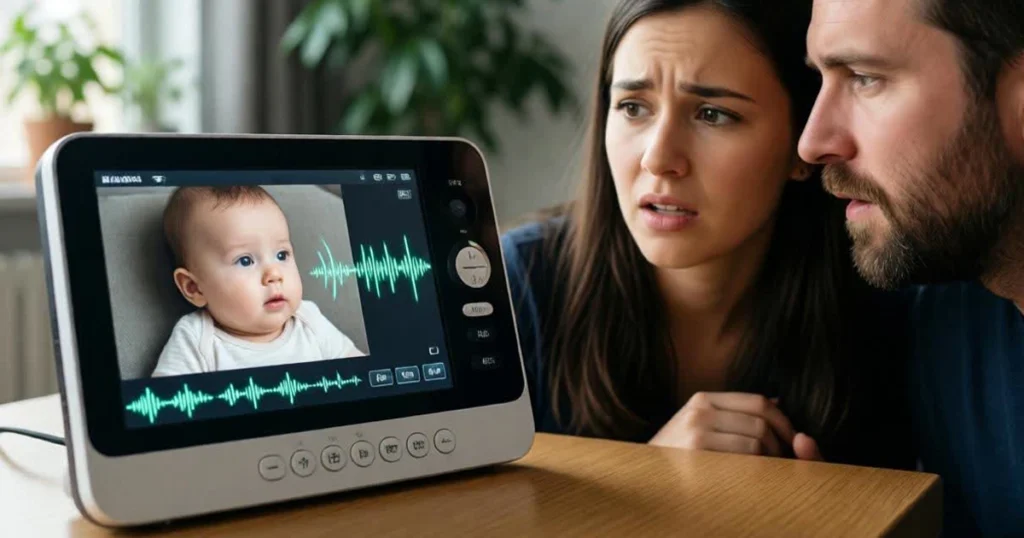
Strange sounds, voices, music, or talking that you don’t recognize coming from the monitor, especially when no one in your household is using the two-way communication feature.
Real Incidents:
A Seattle couple’s 3-year-old said, “Mommy, the voice is talking to me. The man said, ‘Jaden, I love you.'” In Florida, Candace Manker heard a banging noise followed by a woman’s voice speaking: “Kills kill kill kill.”
Types of Sounds:
- Voices: Talking, whispering, shouting, or asking questions
- Profanity: Curse words or aggressive language (Washington 2016 case)
- Music: Random songs or sounds played through speaker
- Static/Interference: Unusual electronic noises suggesting signal interception
- Breathing: Audible breathing sounds when no one is near monitor
For Younger Children:
Pay special attention if your child:
- Mentions “voices” from the monitor
- Shows fear of their room or monitor
- References someone “talking” when no one is there
- Gives the monitor an unusual name like “Bad Guy”
- Has behavioral changes around bedtime
What to Do:
- Unplug the monitor IMMEDIATELY
- Comfort and reassure your child
- Document exactly what was said/heard
- Do not plug back in until full security reset completed
- Report to police and FBI IC3
For detailed voice hacking information, see: Can Hackers Talk to Your Baby Through a Monitor?
3. Settings Changed Mysteriously
What Changes:
Volume levels, camera angles, motion detection sensitivity, night vision mode, or other features that change without your authorization.
Common Unauthorized Changes:
Volume Settings:
- Speaker volume increased (to ensure voices are heard)
- Microphone sensitivity adjusted (to hear more of your home)
- Alert sounds disabled (to prevent you from noticing activity)
Camera Settings:
- Night vision toggled on/off
- Motion detection disabled (to prevent alerts during hacking)
- Recording features activated
- Privacy zones removed
Account Settings:
- Email address changed
- Phone number updated
- Password modified (locking you out)
- Two-factor authentication disabled
Network Settings:
- Remote access enabled when you disabled it
- Cloud storage activated
- Firmware update settings changed
Why Hackers Change Settings:
Attackers modify settings to:
- Maximize what they can observe and hear
- Disable features that might alert you to their presence
- Maintain persistent access
- Prevent you from regaining control
What to Do:
- Screenshot all current settings before changing anything
- Document what was changed and when you noticed
- Check account login history for unfamiliar sessions
- Reset all settings to your preferences
- Change password immediately
- Enable 2FA if not already active
4. LED Lights Blink Oddly or Behave Strangely
What to Watch For:
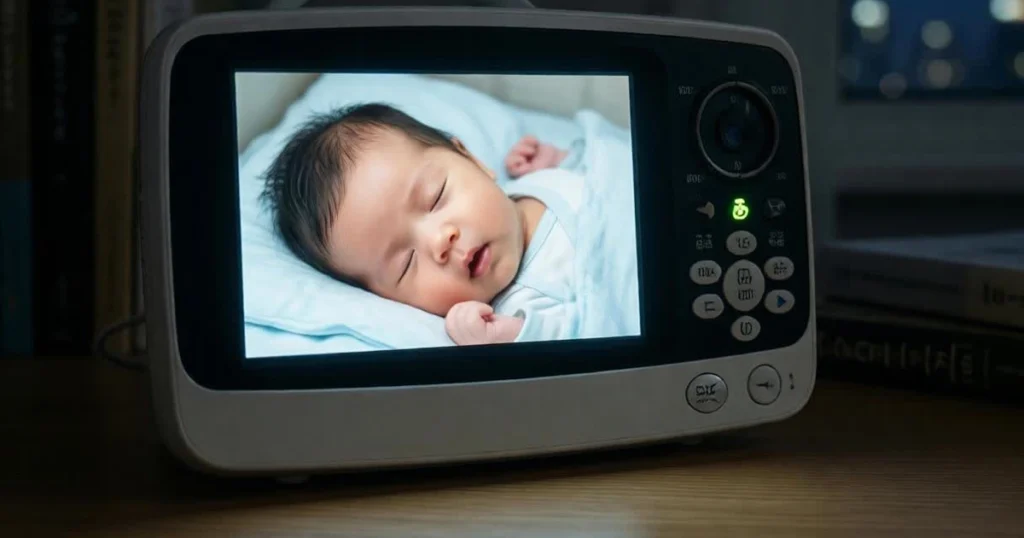
Indicator lights on your baby monitor behaving abnormally—turning on when the monitor should be off, blinking in unusual patterns, or changing colors unexpectedly.
Normal vs. Suspicious LED Behavior:
Normal:
- Steady light when powered and connected
- Blinking during bootup or updates
- Color changes indicating different modes (night vision, VOX activated)
- Brief flashing when motion detected
Suspicious:
- Light activates when monitor should be in standby
- Unusual blinking patterns you’ve never seen
- Light remains on continuously when typically turns off
- Multiple rapid flashes suggesting data transmission
- Light behavior inconsistent with any documented mode
Why Lights Matter:
Many cameras have activity indicator lights that illuminate when:
- Camera is actively transmitting
- Someone is viewing the feed
- Microphone is active
- Recording is in progress
Unexpected light activity often indicates unauthorized access or recording.
What to Do:
- Consult your monitor’s manual for normal LED behavior
- Note exact timing and pattern of unusual activity
- Cover or disconnect monitor if lights suggest active surveillance
- Check app for unexpected active viewing sessions
- Perform security audit if behavior cannot be explained
5. Unknown Devices on Your Wi-Fi Network
How to Check:
Log into your router’s admin panel and review the list of connected devices. Look for unfamiliar device names, MAC addresses, or connections you don’t recognize.
What You’re Looking For:
Red Flags:
- Generic device names like “Unknown-Device” or “Android-Phone”
- MAC addresses from manufacturers you don’t own devices from
- Duplicate entries of your baby monitor
- Devices showing connection at odd hours (2-4 AM)
- More devices than you actually own
Router Access:
- Type 192.168.1.1 or 192.168.0.1 into web browser
- Enter router admin credentials
- Navigate to “Connected Devices” or “Device List”
- Review all listed connections
Use Network Scanning Apps:
Apps like Fing (free for iOS/Android) make this easier by:
- Scanning your network for all devices
- Identifying device manufacturers
- Showing IP and MAC addresses
- Alerting you to new device connections
- Creating inventory of your legitimate devices
What Unknown Devices Mean:
If you’re using an internet-enabled baby monitor and notice any unrecognizable devices connected to your internet network, it could mean that hackers have gained access and that your baby monitor is in jeopardy.
However, unknown devices could also indicate:
- Neighbor accidentally connected to your network
- Smart home device you forgot about
- Guest who connected and saved your password
- Old device you no longer use
What to Do:
- Screenshot your device list
- Research unfamiliar MAC addresses (first 6 characters identify manufacturer)
- Disconnect suspicious devices immediately
- Change WiFi password (forces all devices to reconnect with new credentials)
- Enable MAC address filtering if your router supports it
- Create whitelist of approved devices only
6. Locked Out of Your Own Account
What Happens:
You suddenly cannot log into your baby monitor account despite using the correct password, or you receive “incorrect password” errors for credentials you know are correct.
Why This Occurs:
If you suddenly can’t log into your baby monitor account or find your password doesn’t work despite being correct, a hacker may have changed your credentials.
Attackers change account credentials to:
- Lock you out while they maintain access
- Prevent you from disabling the device
- Buy time before you realize the breach
- Maintain control during their surveillance
Related Warning Signs:
- Password reset emails you didn’t request
- Notifications of account access from unfamiliar locations/devices
- Email address associated with account changed
- Security questions modified
- Recovery phone number updated
What to Do:
- Use “Forgot Password” feature immediately
- Check your email for unauthorized password change notifications
- If email address was changed, contact manufacturer support urgently
- Provide proof of purchase to verify ownership
- Request manufacturer disable the device remotely if you cannot regain access
- File police report documenting identity theft/unauthorized access
Prevention:
This scenario emphasizes why email security is critical. Secure your email account with:
- Strong unique password
- Two-factor authentication
- Recovery phone number only you control
- Regular security checkups
7. Your Child Mentions “The Talking Monitor”
Listen to Your Children:
If your child is verbal and mentions someone talking through the monitor, voices in their room, or the “monitor talking,” take these claims extremely seriously.
Real Examples:
The Louisville family’s son named their baby monitor “Bad Guy” months before they discovered the hack. Children often try to communicate their distress in the only ways they know how, but adults dismiss these warnings as imagination or nightmares.
What Children Might Say:
- “The monitor talks to me”
- “There’s a voice in my room”
- “The camera watches me” (when expressing unusual fear)
- “Bad man” or similar concerning names for the device
- “Someone says my name”
- References to conversations they couldn’t have had
Behavioral Changes:
Beyond verbal warnings, watch for:
- Sudden fear of their bedroom
- Refusing to sleep in their room
- Nightmares or sleep disturbances that coincide with monitor use
- Covering or turning away the monitor themselves
- Anxiety when monitor is mentioned
- Regression in toilet training or sleep patterns
What to Do:
- Believe your child—always investigate seriously
- Ask gentle, open-ended questions about what they heard
- Unplug monitor immediately
- Consider whether the room itself feels unsafe to your child
- Consult child psychologist if trauma symptoms appear
- Never use that specific monitor again (psychological association)
For Non-Verbal Children:
Watch for:
- Staring at monitor with fear or distress
- Crying that starts when camera moves or sounds play
- Unusual reactions to the monitor’s presence
- Attempting to move or cover the monitor
- Disturbed sleep that improves when monitor is removed
What to Do If You Suspect Your Monitor Has Been Hacked
Time is critical. Act immediately rather than investigating while the hacker maintains access.
Immediate Actions (Within Minutes)
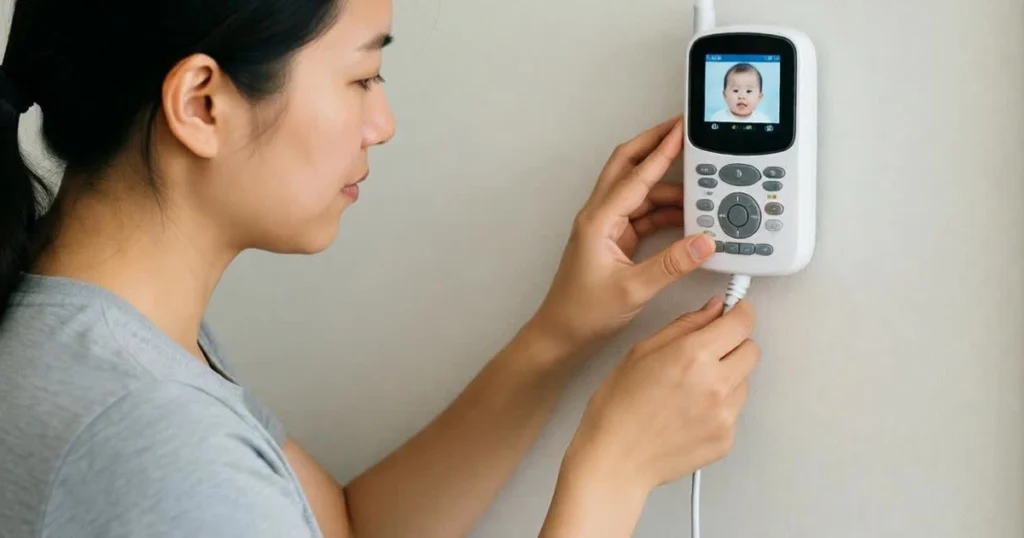
Step 1: Unplug the Monitor Immediately
Disconnect power and, if applicable, disable WiFi connectivity. This instant action terminates the hacker’s access and protects your family from further surveillance or psychological harm.
Action Priority:
- Remove your child from the monitored room if possible
- Physically unplug the monitor from power
- Disconnect network cable if using wired connection
- Comfort your child and reassure them they’re safe
- Do not plug back in until full security reset completed
Why Immediate Unplugging Matters:
Every second the compromised monitor remains active:
- Hacker continues surveilling your family
- More of your private information is exposed
- Your child may experience continued trauma
- Attacker can delete logs or cover their tracks
- Risk of psychological escalation increases
Step 2: Document Everything
Before changing settings or resetting the device, document evidence:
What to Record:
- Date and time you noticed each suspicious activity
- Screenshots of unfamiliar devices on network
- Photos of unusual settings or behaviors
- Exact words spoken through monitor (if voice hacking)
- Any strange camera movements or LED patterns
- Login history from app showing unfamiliar sessions
- Your child’s statements about voices or monitor behavior
Why Documentation Matters:
This evidence supports:
- Police reports and FBI investigations
- Manufacturer warranty claims or complaints
- Potential civil action against attackers (if identified)
- Awareness campaigns to warn other parents
- Your own understanding of how long breach occurred
Step 3: Factory Reset the Device
Perform a complete factory reset following the manufacturer’s instructions. This wipes any unauthorized access, modified settings, or malware the hacker may have implemented.
Standard Reset Process:
- Locate reset button (usually on back or bottom of camera unit)
- Use paperclip or pin to press reset button
- Hold for 10-30 seconds while device is powered (check manual)
- Wait for indicator lights to show reset completion
- Reconfigure device with new, strong credentials
Important: Factory reset alone is insufficient—you must also change all associated passwords and secure your network.
Step 4: Change All Related Passwords
Remember to change potentially compromised passwords, especially those on your baby monitor’s app. Create strong, complex passwords—never reuse them for different accounts.
Critical Password Changes:
- ✅ Baby monitor app/account (priority #1)
- ✅ WiFi network password
- ✅ Router admin credentials
- ✅ Email account associated with monitor
- ✅ Any other accounts using the same password
- ✅ Accounts with similar passwords (if you have patterns)
Password Requirements:
- Minimum 15 characters
- Mix uppercase, lowercase, numbers, symbols
- No personal information
- Completely different from previous passwords
- Stored in password manager only
Make sure you select the option that logs you out of the account on all devices (including the potential hacker’s). You can then log back in using the new password.
Step 5: Secure Your Network Completely
It’s also a good idea to change your network’s password. By changing your WiFi password, you’ll cut off any unauthorized access.
Complete Network Security Audit:
Router Admin Access:
- Change router admin username and password
- Update to WPA3 encryption (or WPA2 minimum)
- Disable WPS (WiFi Protected Setup)
- Disable UPnP (Universal Plug and Play)
- Disable remote management
- Update router firmware
- Enable router firewall
Network Configuration:
- Change WiFi network password
- Change network name (SSID)
- Create separate guest network for IoT devices
- Enable MAC address filtering
- Disable SSID broadcast (optional)
- Review and remove all connected devices
Verify Security:
- Check for firmware updates for ALL devices
- Scan network with security app (Fing, Norton WiFi Privacy)
- Ensure no unauthorized devices remain connected
- Test that legitimate devices reconnect properly
For comprehensive network security guidance, see: How to Secure Your Baby Monitor in 5 Easy Steps
Step 6: Contact Authorities and Manufacturer
Report to Law Enforcement:
- Local Police: File official report for documentation
- FBI IC3: Report cybercrime at https://ic3.gov
- FTC: Consumer complaint at https://reportfraud.ftc.gov
Contact Manufacturer:
You should also let the manufacturer’s customer support know about the incident so they can investigate. Informing them may help the manufacturer address security vulnerabilities to prevent similar incidents in the future.
Information to Provide:
- Model number and firmware version
- Purchase date and retailer
- Detailed description of unauthorized access
- Documentation/screenshots you collected
- Timeline of suspicious activities
- Steps you’ve already taken (reset, password changes)
Request:
- Security investigation by their team
- Disclosure of whether model has known vulnerabilities
- Whether other customers reported similar incidents
- Firmware patches or security updates
- Replacement device if vulnerability is manufacturer’s fault
Why Reporting Matters:
If your baby monitor was hacked, chances are you’re not the only one. Reporting helps:
- Identify patterns across multiple victims
- Hold manufacturers accountable
- Trigger security investigations
- Prevent future incidents
- Potentially catch perpetrators
Step 7: Consider Permanent Replacement
When to Replace:
If your baby monitor’s been hacked, seriously consider investing in a different device with advanced security features—or better yet, one that doesn’t connect to the internet at all.
Reasons for Replacement:
Psychological:
- Impossibility of regaining trust in same device
- Your child’s association of that monitor with trauma
- Your own anxiety every time you look at it
- Ongoing concern about whether hacker maintains backdoor access
Technical:
- Manufacturer may have abandoned security support
- Fundamental vulnerability in device architecture
- No clear explanation for how breach occurred
- Other customers reporting similar incidents
Security:
- Hackers sometimes maintain persistent backdoor access
- Full security verification is nearly impossible for consumers
- Uncertainty about whether reset truly removed all unauthorized access
- Ongoing vulnerability if manufacturer hasn’t patched exploits
The Non-WiFi Alternative:
Many families who experience hacking never trust internet-connected monitors again. Non-WiFi alternatives like Infant Optics DXR-8 PRO, Eufy SpaceView Pro, or Bebcare provide excellent monitoring without internet vulnerabilities.
For secure alternatives, see: Best Non-WiFi Baby Monitor
Can Hacked Monitors Be Safely Reused?
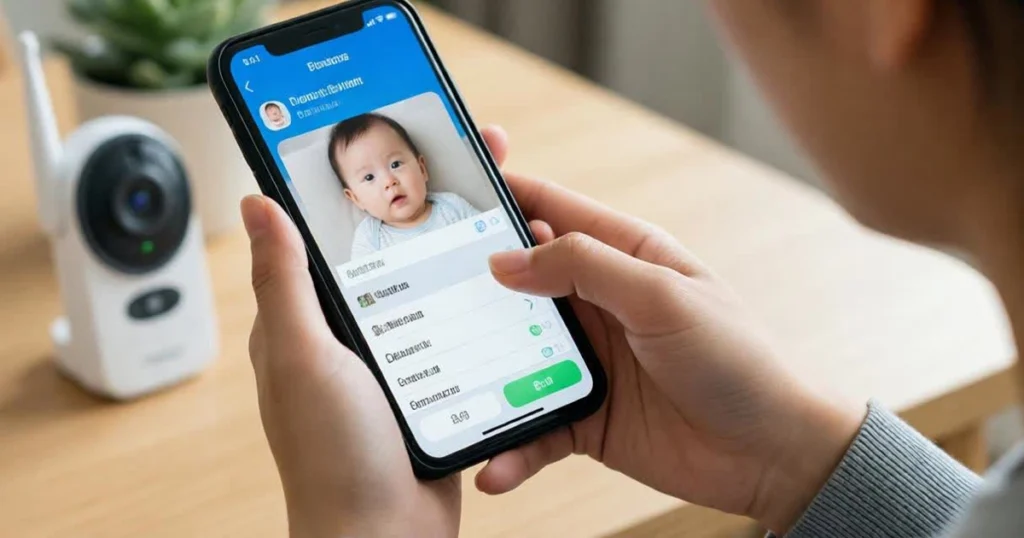
This question troubles many families—especially those who made significant investments in premium monitors.
The Honest Assessment
Only If: ✅ Firmware can be fully wiped and updated to latest version ✅ Manufacturer confirms no persistent backdoors exist (hard to verify) ✅ You implement comprehensive security measures (2FA, guest network, etc.) ✅ Regular firmware updates continue being released ✅ Your psychological comfort allows trusting the device again
Even Then:
Recommendation: Replace with a non-WiFi model for complete peace of mind. The cost of a new monitor pales compared to ongoing anxiety or potential repeated breaches.
The Technical Reality:
Hidden accounts exist inside many baby monitors that can be exploited by hackers. These accounts are intended for administration or support—but if hackers discovered them once, they may maintain knowledge of vulnerabilities even after resets.
Full security verification requires forensic analysis beyond most consumers’ capabilities.
Why Prevention Beats Recovery
The psychological toll of monitor hacking often exceeds the financial cost of replacement. Consider:
Financial: $150-400 for new monitor Psychological: Months or years of anxiety, sleep disruption, and fear Child’s wellbeing: Lasting trauma requiring therapy Family stress: Relationship strain and blame
The Math:
Replacing the monitor costs less than one therapy session for your child. Peace of mind has tangible value that far exceeds hardware costs.
Prevention: Because Cure Is Harder Than You Think
Understanding warning signs matters, but prevention remains your best defense.
The Fundamental Choice:
Option 1: Secured WiFi Monitoring Requires consistent vigilance:
- Strong passwords + 2FA
- Monthly firmware updates
- Weekly network audits
- Quarterly password changes
- Guest network isolation
- Disabled remote access when home
Option 2: Non-WiFi Monitoring Eliminates internet-based vulnerabilities entirely:
- No remote hacking risk
- No passwords to manage
- No firmware updates required
- Complete privacy
- Simple operation
For detailed prevention strategies, see: Baby Monitor Security Checklist
The Reality:
Some non-WiFi baby monitors use frequency-hopping spread spectrum (FHSS) technology that switches frequencies by the millisecond, rendering them virtually hack-proof from remote attacks.
Conclusion: Trust Your Gut. If Something Feels Off—Act Fast
Most parents who experience monitor hacking say they noticed warning signs but rationalized them away. Children mentioned voices. Cameras moved oddly. Settings changed mysteriously. But these clues were dismissed as glitches, imagination, or coincidence—until undeniable evidence emerged.
The Key Lesson:
Trust your instincts. If something feels off about your monitor’s behavior, investigate immediately rather than waiting for conclusive proof.
Warning Signs Recap:
- Camera moves without your input
- Unfamiliar voices through speaker
- Settings change mysteriously
- LED lights behave oddly
- Unknown devices on network
- Locked out of account
- Child mentions “talking monitor”
Immediate Actions:
- Unplug immediately
- Document everything
- Factory reset device
- Change all passwords
- Secure network completely
- Report to authorities
- Consider replacement
The Prevention Path:
Choose between:
- Maintained WiFi security requiring ongoing vigilance
- Non-WiFi alternatives with inherent security
For families ready to eliminate remote hacking vulnerability, explore: Best Non-WiFi Baby Monitor
Your parental intuition exists for a reason. When it signals something’s wrong, listen. The few minutes it takes to investigate could prevent months of trauma.
Don’t wait for proof positive before acting. By then, the damage is done.
About the Author
Gran Aggie is a grandmother, parenting blogger, and cybersecurity advocate who has extensively researched documented baby monitor hacking incidents and their psychological impact on families. Originally from Scotland, married to an Australian, and now living in Chicago, she combines decades of parenting experience with analysis of FBI investigations, victim testimonies, and expert security guidance. After witnessing how families dismiss warning signs until trauma occurs, Gran Aggie’s mission is teaching parents to recognize subtle indicators early and act decisively before situations escalate. She believes informed vigilance prevents victimization—and that trusting your instincts about “something feeling wrong” protects your family more reliably than waiting for undeniable proof.
Frequently Asked Questions
What are the most obvious warning signs that a baby monitor has been hacked?
A: The most obvious signs are camera movement without your input (actively panning or tilting when no one is controlling it), unfamiliar voices or sounds coming through the speaker, and settings changing without your authorization. If your child mentions someone “talking” through the monitor or you’re suddenly locked out of your account despite correct passwords, assume compromise and act immediately.
Should parents unplug their monitor immediately if they suspect hacking?
A: Yes—unplug immediately without delay. Do not spend time investigating while the device remains active. Every second the compromised monitor stays connected, the hacker continues surveilling your family and your child may experience additional trauma. Terminate power instantly, remove your child from the room, then investigate after the hacker’s access is cut off.
Can a hacked baby monitor be safely reused after factory reset?
A: Only after full reset, firmware update to latest version, and implementation of comprehensive security measures (strong unique password, 2FA, guest network isolation). However, even with these precautions, hidden backdoors may persist and psychological trust is difficult to rebuild. Most cybersecurity experts and affected families recommend replacement with non-WiFi models for guaranteed peace of mind rather than risking reuse of compromised devices.